Your laptop still runs. Here’s what to check before spending money.
Your Windows 10 laptop still works.
So why is everyone suddenly talking about replacing it?
Fair question. A laptop isn’t exactly an impulse purchase, and buying a new one just because your current OS hit a deadline would be… a lot.
Good news:
You might not need a new laptop.
There are a couple of things worth checking before you open twelve shopping tabs and start comparing processors you never wanted to learn about.
First, what actually ended?
Regular Windows 10 support ended October 14, 2025. Your computer didn’t stop booting. Your files didn’t disappear. But Microsoft’s regular security support for Windows 10 ended, and that’s the part you shouldn’t ignore.
If the machine handles banking, work, email, or anything personal, staying on an unsupported setup without a security plan isn’t a great idea.
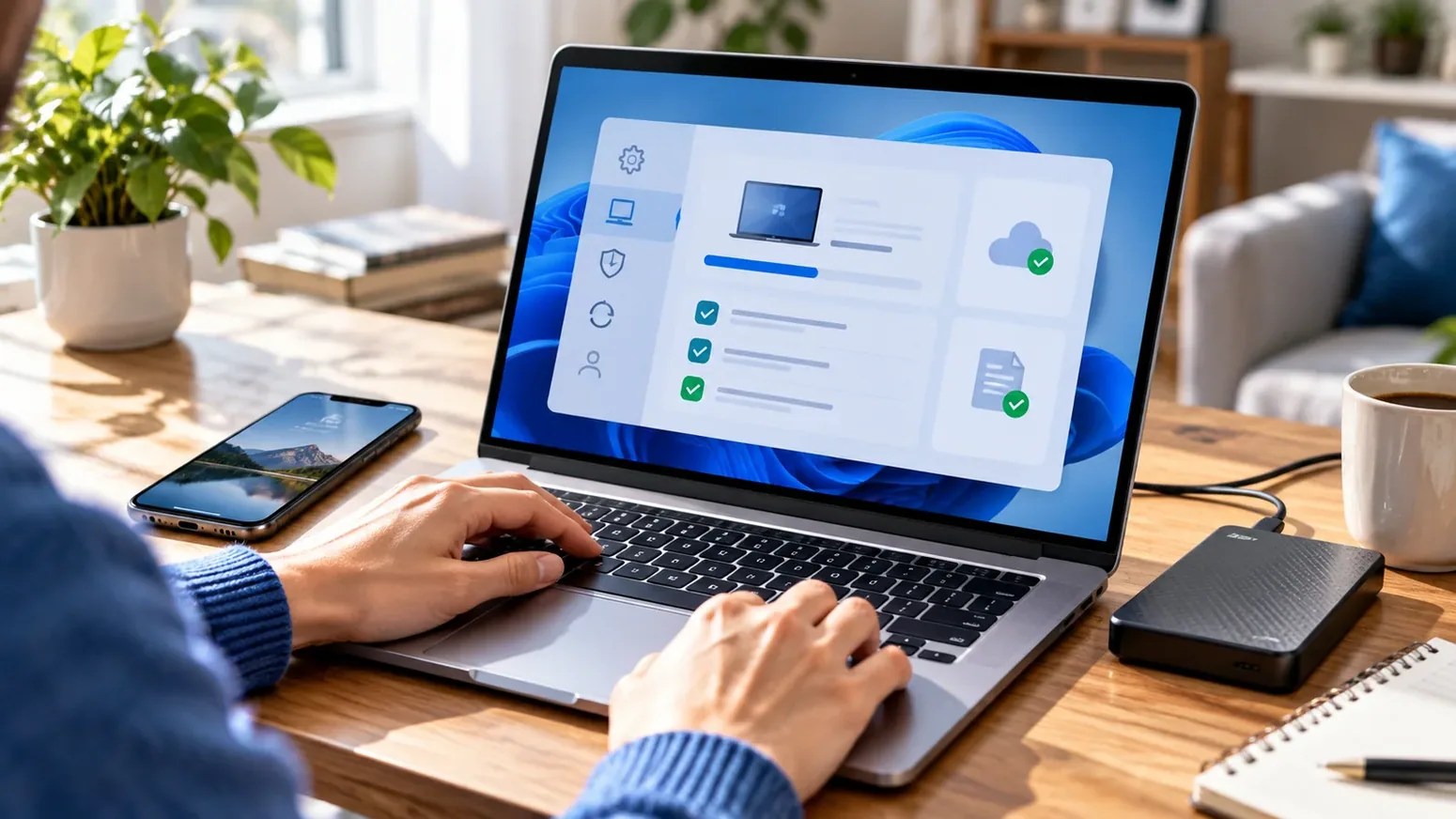
Before you spend anything, check Windows 11 compatibility.
Yes, it’s the boring answer. It’s also the one that could save you money.
Do this first
Check compatibility.
Then think about shopping.
PC Health Check can help you see whether your current device meets the requirements.
Microsoft’s guidance covers supported processors, TPM 2.0, Secure Boot, and the other requirements. More storage alone won’t magically turn an incompatible PC into a compatible one.
And if you keep seeing ESU in search results: that means Extended Security Updates. It’s a temporary way for eligible Windows 10 devices to receive certain security updates, not a new version of Windows.
Why are people quoting different ESU end dates? Microsoft’s consumer ESU page currently says October 12, 2027 . Commercial ESU coverage is broken out by program year and follows different rules. Check the consumer enrollment terms if this is your personal laptop.
Okay, so when should you actually replace it?
If your current computer can move to Windows 11 and still handles the work you do, buying a new one may be optional.
If it can’t upgrade, the battery barely survives a meeting, and opening two apps feels like a personal challenge? Then, sure, replacement starts to make sense.
Just don’t buy a video-editing monster if most of your day is email and browser tabs. Your wallet deserves better.
The least exciting part is also the smartest.
Back up your files.
Yes, really.
Photos, documents, projects, saved passwords—make sure everything important has a safe backup. Then actually open a couple of those backed-up files to check they work.
It’s not fun. Nobody is hosting a backup party. But it’s better than realizing the only copy of something important lived on one tired laptop.
The order I’d follow: check Windows 11 compatibility, look into consumer ESU, back up your files, then decide whether replacing your PC is worth it.
참고 자료 / References
Images are AI-generated illustrations, not first-hand product testing or documentary photos.

